Conquer 4K: Choosing the Right Graphics Card for Ultra-High-Definition Gaming
4K gaming has transitioned from a futuristic dream to a tangible reality. The crisp visuals, breathtaking detail, and immersive experience offered by a 3840 x 2160 resolution are undeniably alluring. However, achieving smooth and consistent frame rates at 4K demands significant horsepower from your graphics card. Choosing the right GPU is crucial for a satisfying and visually stunning gaming experience. This article will delve into the factors to consider when selecting a graphics card for 4K gaming, explore top contenders in the market, and provide practical advice to help you make an informed decision.
The Demands of 4K Gaming: A Performance Deep Dive
Before diving into specific graphics card recommendations, it’s essential to understand the performance requirements of 4K gaming. A 4K resolution displays approximately four times the number of pixels compared to 1080p (Full HD). This increased pixel density places a tremendous load on the GPU, requiring it to render significantly more detail per frame.
-
Raw Processing Power: The GPU needs substantial processing power to handle the complex calculations involved in rendering high-resolution textures, intricate lighting effects, and advanced shaders. This is primarily determined by the GPU architecture, the number of CUDA cores (Nvidia) or Stream Processors (AMD), and the clock speed.
-
Video Memory (VRAM): A large amount of VRAM is essential for storing the textures, frame buffers, and other data required for 4K gaming. Insufficient VRAM can lead to stuttering, texture pop-in, and a significant drop in frame rates. For comfortable 4K gaming, a minimum of 8GB of VRAM is recommended, with 12GB or more being ideal for demanding titles and higher settings.
-
Memory Bandwidth: The rate at which the GPU can access and transfer data to and from VRAM is critical. Higher memory bandwidth ensures that the GPU can quickly retrieve the necessary data for rendering, preventing bottlenecks and improving performance.
-
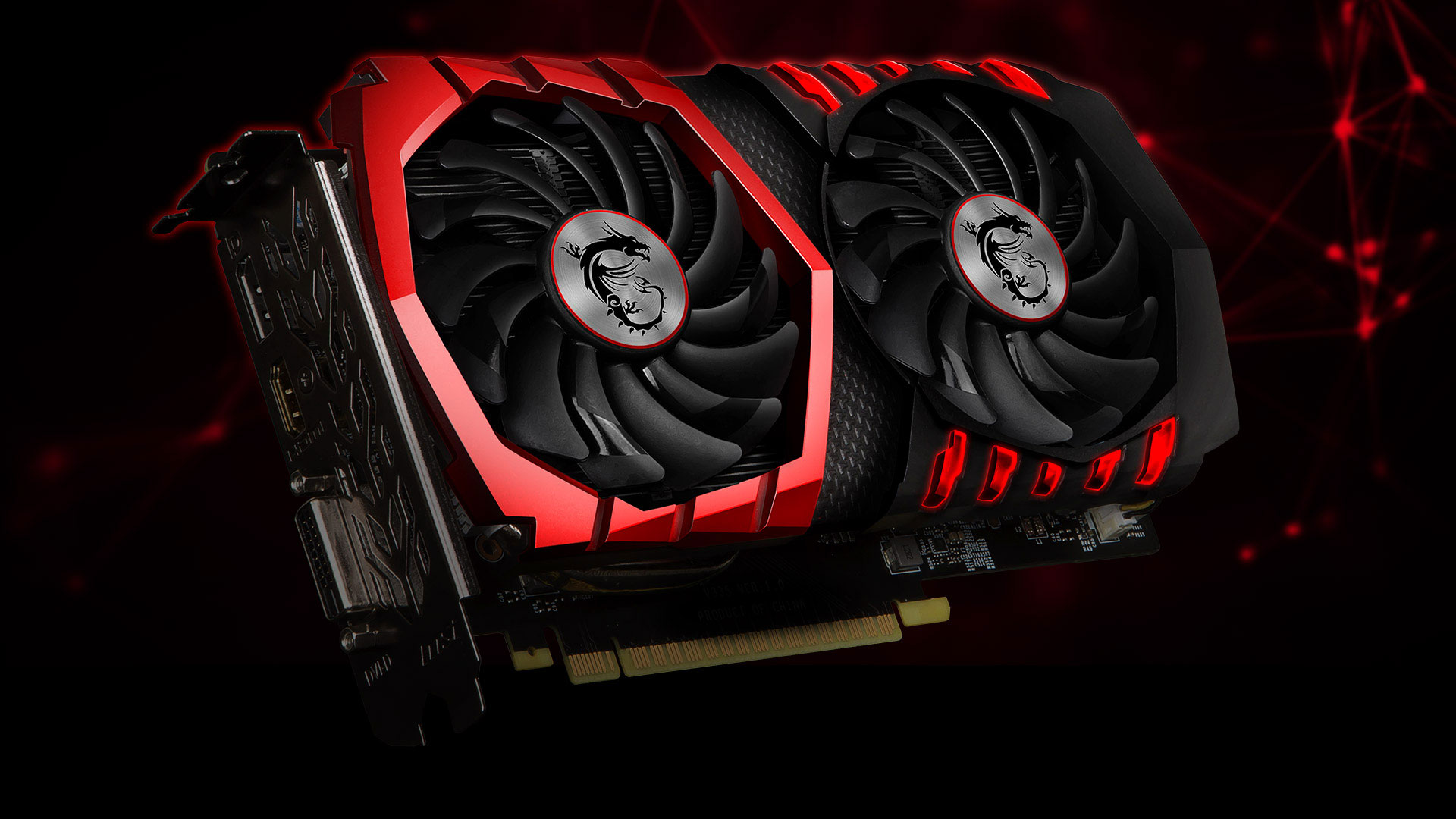
Cooling: Powerful GPUs generate a significant amount of heat, especially when running at full load. Adequate cooling is essential to prevent thermal throttling, which can reduce performance and potentially damage the card. Consider graphics cards with robust cooling solutions, such as multiple fans, large heatsinks, or even liquid cooling.
Key Considerations When Choosing a 4K Graphics Card:
-
Budget: Graphics cards capable of handling 4K gaming can be expensive. Determine your budget beforehand and prioritize the features that are most important to you.
-
Game Genres: Different game genres have different performance requirements. Fast-paced action games and competitive shooters demand higher frame rates than slower-paced strategy or adventure games.
-
Monitor Refresh Rate: If you have a high refresh rate 4K monitor (e.g., 120Hz, 144Hz), you’ll need a more powerful graphics card to take full advantage of its capabilities.
-
Ray Tracing: Ray tracing is a rendering technique that simulates realistic lighting effects by tracing the path of light rays. While visually impressive, ray tracing is computationally intensive and can significantly impact performance. If you plan to use ray tracing, you’ll need a graphics card with dedicated ray tracing cores (Nvidia RTX series or AMD RX 7000 series).
-
DLSS/FSR: Nvidia’s Deep Learning Super Sampling (DLSS) and AMD’s FidelityFX Super Resolution (FSR) are upscaling technologies that can improve performance by rendering the game at a lower resolution and then using AI to upscale it to 4K. These technologies can be a valuable tool for achieving playable frame rates in demanding games without sacrificing too much visual quality.
-
Power Supply: A powerful graphics card requires a robust power supply unit (PSU) to provide sufficient power. Check the manufacturer’s recommendations for the minimum PSU wattage required for the graphics card you are considering.
-
Case Compatibility: Ensure that the graphics card you choose will fit inside your computer case. Measure the available space and check the dimensions of the graphics card.
Top Graphics Card Contenders for 4K Gaming (as of Late 2023/Early 2024):
-
Nvidia GeForce RTX 4090: The undisputed king of 4K gaming. This flagship card offers unparalleled performance, capable of delivering smooth frame rates in even the most demanding games at maximum settings. It also features advanced ray tracing capabilities and DLSS 3 for even better performance. However, it comes with a very high price tag and significant power consumption.
-
Nvidia GeForce RTX 4080: A high-end option that provides excellent 4K gaming performance at a slightly lower price point than the RTX 4090. It still offers excellent ray tracing capabilities and DLSS 3 support. A great option for gamers who want top-tier performance without breaking the bank (completely).
-
AMD Radeon RX 7900 XTX: AMD’s flagship graphics card that competes with the RTX 4080 in terms of performance. It offers excellent 4K gaming performance and supports AMD’s FidelityFX Super Resolution (FSR) technology. It’s often seen as a more cost-effective alternative to Nvidia’s high-end offerings.
-
Nvidia GeForce RTX 4070 Ti: A more mid-range option that still delivers respectable 4K gaming performance, especially when paired with DLSS. It’s a good choice for gamers who want to experience 4K gaming without spending a fortune.
-
AMD Radeon RX 7900 XT: A step down from the 7900 XTX, but still a powerful card capable of handling 4K gaming at high settings. It’s a good option for gamers who want a balance of performance and price.
-
Nvidia GeForce RTX 4070: This card is the best "budget" option to reach 4k 60fps. However, you will need to use DLSS to achieve that.
Practical Advice for 4K Gaming:
-
Optimize Game Settings: Experiment with different game settings to find the optimal balance between visual quality and performance. Lowering settings like shadows, ambient occlusion, and anti-aliasing can significantly improve frame rates without drastically impacting the overall visual experience.
-
Enable DLSS/FSR: Utilize DLSS or FSR to improve performance without sacrificing too much visual quality. These technologies can provide a significant boost in frame rates, especially in demanding games.
-
Monitor GPU Temperature: Keep an eye on your GPU temperature to ensure that it’s not overheating. Use monitoring software to track the temperature and adjust fan speeds if necessary.
-
Update Drivers: Keep your graphics card drivers up to date to ensure optimal performance and compatibility with the latest games.
-
Consider Overclocking (with caution): Overclocking can squeeze extra performance out of your graphics card, but it can also increase heat and power consumption. Proceed with caution and research the process thoroughly before attempting to overclock.
Beyond the Graphics Card: Other Important Components
While the graphics card is the most crucial component for 4K gaming, other parts of your system also play a significant role:
-
CPU: A powerful CPU is necessary to prevent bottlenecks and ensure that the GPU can operate at its full potential. Consider a modern multi-core processor from Intel or AMD.
-
RAM: Sufficient RAM is essential for smooth gaming. 16GB of RAM is the minimum recommended for 4K gaming, with 32GB being ideal.
-
Storage: A fast SSD (Solid State Drive) is crucial for loading games quickly and reducing loading times.
Conclusion:
Choosing the right graphics card for 4K gaming requires careful consideration of your budget, game preferences, and desired level of visual fidelity. The Nvidia RTX 4090 and AMD Radeon RX 7900 XTX represent the pinnacle of 4K gaming performance, but more affordable options like the RTX 4070 Ti and RX 7900 XT can still deliver a satisfying 4K gaming experience. By understanding the performance requirements of 4K gaming and considering the factors outlined in this article, you can make an informed decision and build a gaming rig that will allow you to conquer the world of ultra-high-definition gaming. Remember to prioritize a balance of components, and don’t be afraid to adjust settings to find the sweet spot between visual quality and performance. Happy gaming!